|
|
 发表于 2011-1-19 22:27:47
|
显示全部楼层
发表于 2011-1-19 22:27:47
|
显示全部楼层
来自: 中国江苏无锡
本帖最后由 fushuixiu 于 2011-1-20 08:34 编辑 ) V: r$ L6 d$ @
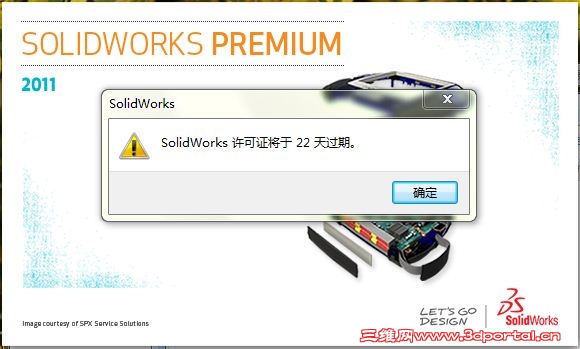
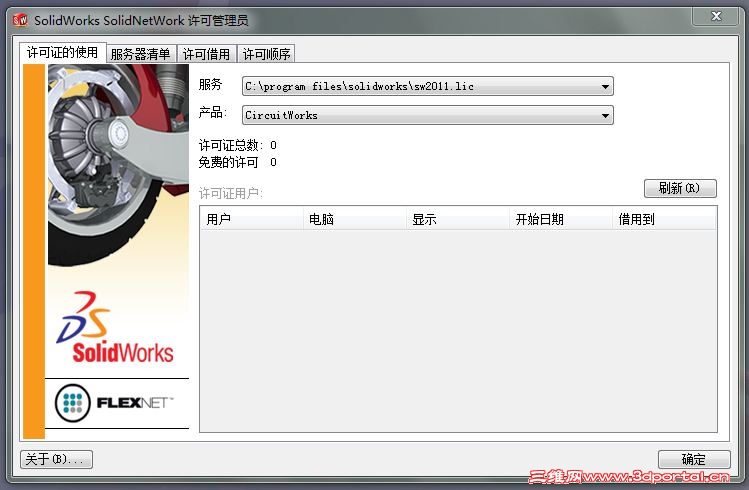
6 _( L# p/ { d" t) Z' O我是按照如下方法执行啊,为何一启动就出现如下提示,并且看许可管理,有用许可是零啊!
0 v; o! x1 `8 A3 Y- tSolidWorks 2011 SPx.x x32 /Lz05 |- O. p/ {5 O1 b5 N0 g1 l0 u
------------------------------, f" J3 h' w4 ~7 n0 S
1. Install Solidworks from ..\swwi\data\swsetup.exe with serial 9916 0657 0219 4742 HKJH 5HKF.
' g5 r# d: w4 r4 T* l% z2 g, A0 ]It might talk about being superceded by sldIM. Ignore this.
) H' j0 e' F" h) F( Q7 U3 U6 MDismiss any prompts to add a license server.
& y, n$ \. r7 j( C1 j2. Copy ibfs32.dll to windows\system32\% r! ~4 Q! q. t4 W! r
3. Import lz0-sw2010.reg to registry.: Y( L% J& \8 |7 a0 I
4. Copy sw2011.lic and lz-solidworks11x32.exe to C:\Program Files\Solidworks\
: x. V* R$ x: ]5. Run lz-solidworks11x32.exe (Run as admin required on Vista/win7)
4 a1 `4 i: h, @- C; f6. If installed, copy and run if applicable any addon patchers files to appropriate dirs (eDrawings common files\edrawings2010 and swexplorer)% }( M" U( t) P8 p& s
7. Enjoy!
3 D8 f! l, K8 B1 \( k. nNotes:
- a1 H2 Z& n* A- y9 Y! h! B$ ?0 k1. When installing COSMOSM, skip license setup - it will work with the reg/lic above( y. p6 q; `- u& O
2. If having problems starting eDrawings after applying the patch, apply edrwfix.reg0 e) Z6 _" V- M( ?/ p1 n
见下图,有时间限制啊!请问你们如何做的啊!, i( e$ } F1 T( r3 }
9 K7 s& {: O% t$ S1 l# t i
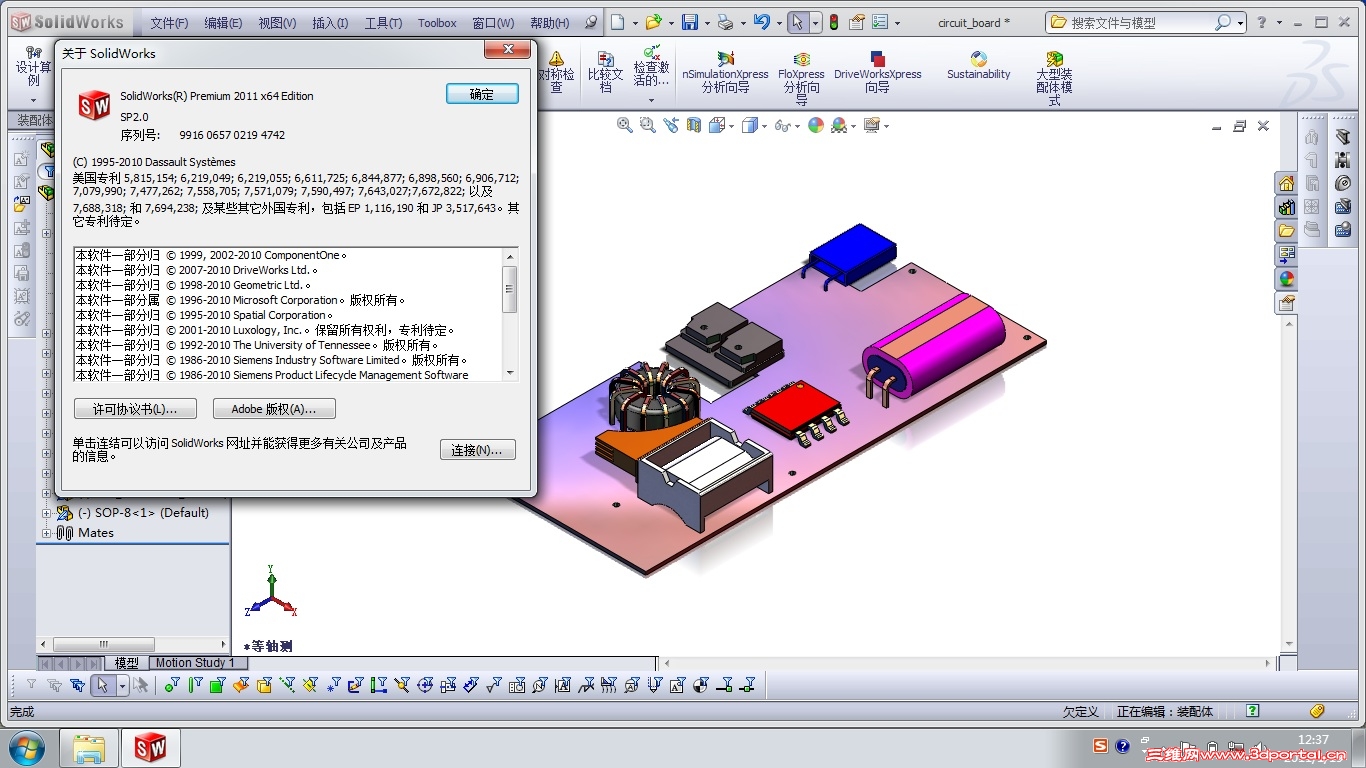
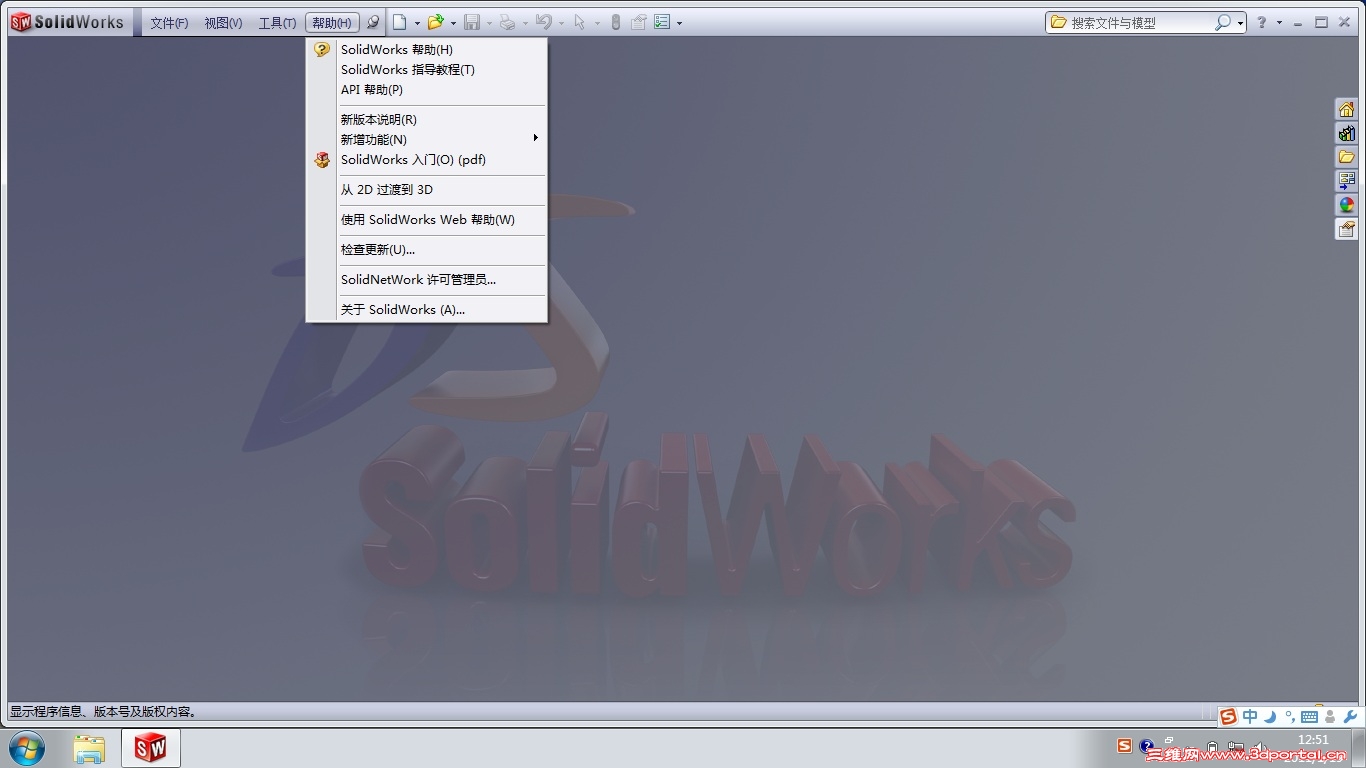
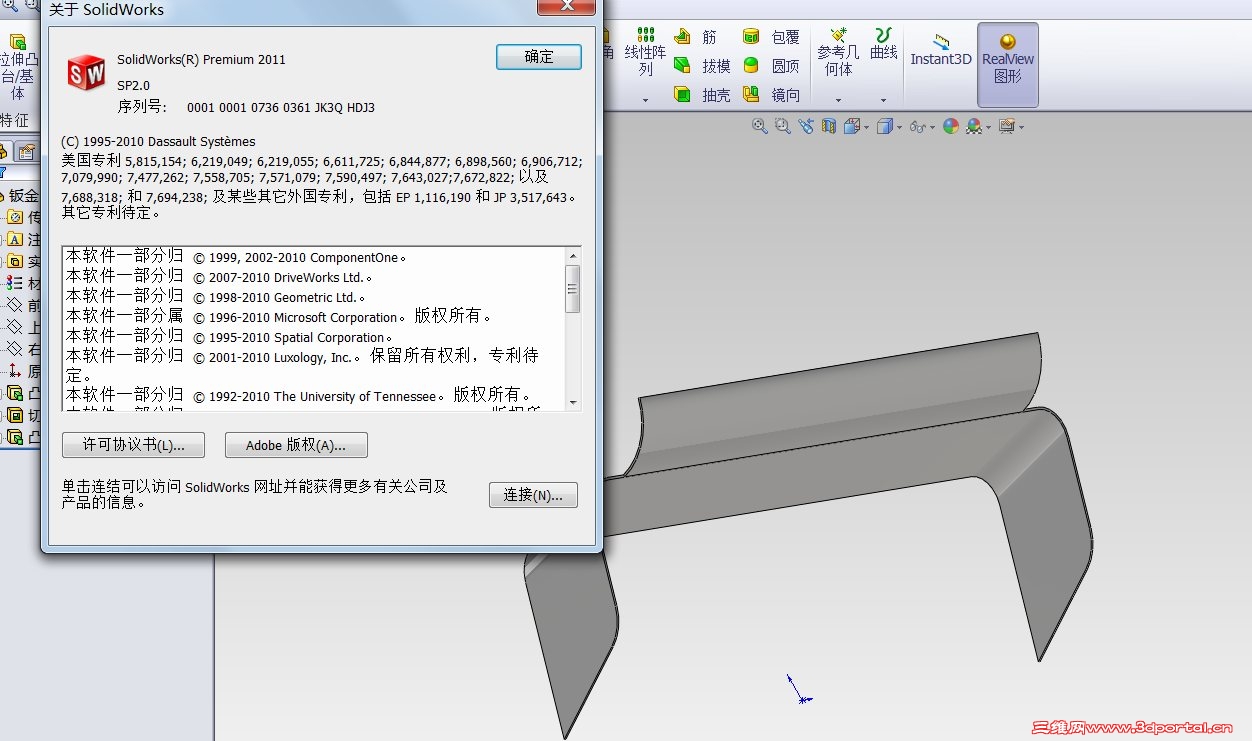
今天又试了一下,重新ghost系统,并从SP0.0升级到SP2.0,依然有时间限制,但将系统时间调为2015年,发现启动速度变慢几秒,但程序正常启动,没有时间提示对话框出现,证明可用。 |
-
-
|


 [复制链接]







 楼主
楼主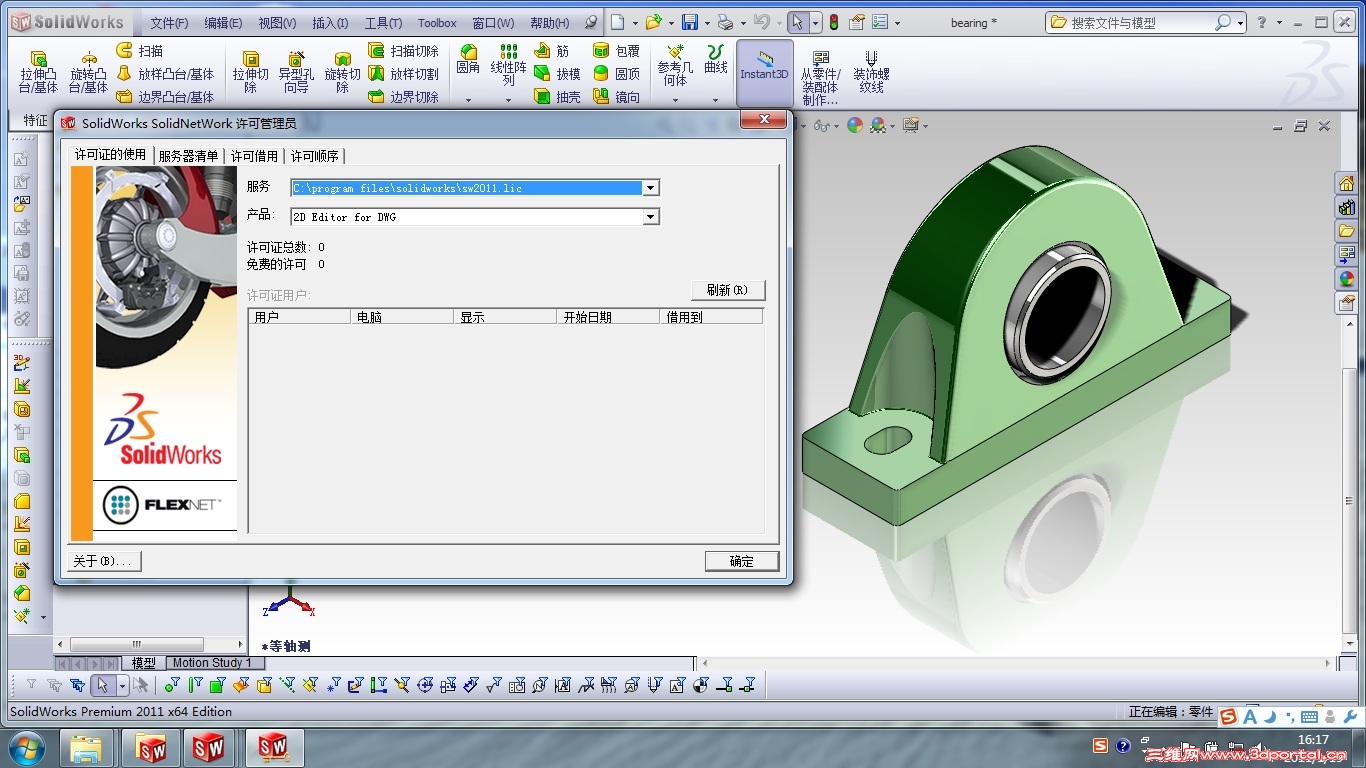



 发表于 2011-1-20 08:04:42